How to Monitor Competitors During Black Friday Weekend
A day-by-day plan for watching rivals from Thanksgiving to the Tuesday after Cyber Monday: what to check, what each change means, and what to ignore.
Thomas Pham · · 8 min read
Once your sale is live, the hard part of watching competitors is not finding information. It is knowing when to look, what each change should make you do, and when to stop refreshing. To monitor competitors during Black Friday weekend, check a short list of signals at set times each day, and tie every signal to one decision: hold, respond, restock or push ads.
This is the during-sale plan. The setup work belongs before the weekend: if you haven't picked your rivals and hero products yet, start with the Black Friday competitor research checklist, and get your competitor price alerts on Shopify running before Thursday.
What should you check on competitors during Black Friday weekend?
Check four things on each rival: the price and compare-at price on their hero products, the sale banner or discount code, which products have gone unavailable, and which ads are running now that weren't at your last look. Check them at fixed times, write each change down, and decide once per change.
In 2026 the weekend runs from Thanksgiving on Thursday 26 November to Cyber Monday on 30 November. US Thanksgiving is set by law as "the fourth Thursday in November", so Black Friday falls on the 27th.
Two of those days need a full check, not one. Adobe's 2026 holiday forecast, released 28 September 2026, puts Black Friday US online spend at $12.9 billion, up 9.2%, the fastest-growing major day, and Cyber Monday at $15.1 billion, up 6.2%, still the biggest single online day. A routine that winds down after Friday misses the day with the most money in it.
A note on what each signal is. On Shopify, a sale price is two fields: the store sets the Compare-at price field to the original price and the Price field to the reduced one, and the compare-at value has to be higher for the sale to show. How it looks depends on the theme, which "might add a badge with a message or percentage off". So read the two numbers, not the styling.
What do you check each day, Thursday to Tuesday?
Each day has one job. Thursday night confirms what went live, Friday morning sets your baseline, Friday evening catches the second move, the weekend is light, Monday gets a full check again, and Tuesday tells you whether the sale ended or stretched. The table is the whole schedule.
| When | What to check | What you're looking for |
|---|---|---|
| Thursday night | Hero product pages, homepage banner, ad library | Compare-at price appearing, a code or banner going live, the first new ads |
| Friday morning | Same hero products, plus your doorbusters' rivals | Discount depth versus Thursday night, stock on the products you compete with directly |
| Friday evening | Hero products, collection pages, ad library | A deeper cut on slow movers, early sell-outs, a fresh set of ads |
| Saturday and Sunday | One pass each day | A banner or offer swapped, restocks, anything you missed Friday |
| Cyber Monday | Full check, same as Friday morning | A Cyber Monday-only code or bundle, a second price move, a second wave of ads |
| Tuesday | Hero products and banner | Prices back up, or still down after the stated end |
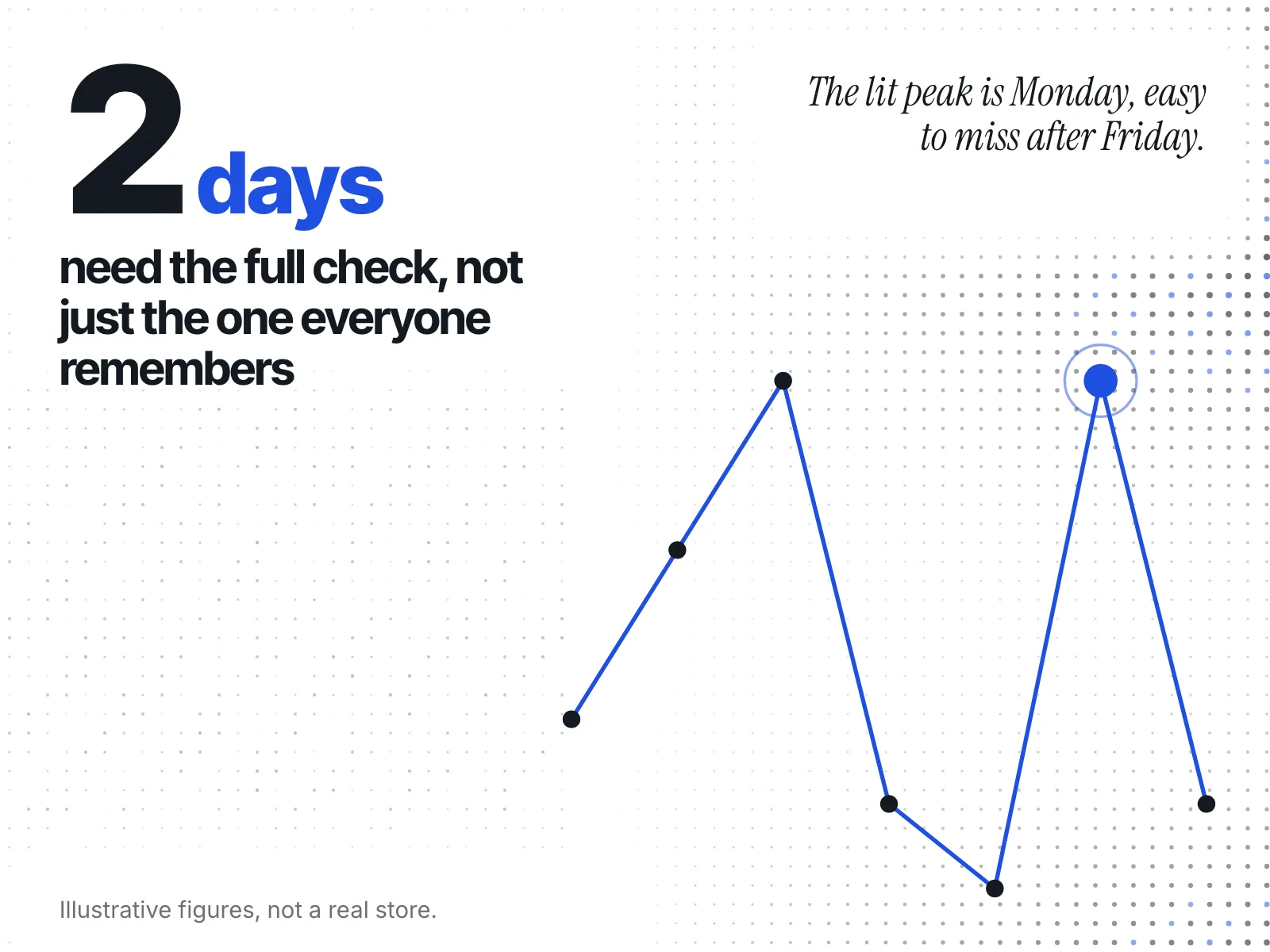
The pattern is two peaks, not one. A routine built to watch Thursday night and Friday and then relax has already done the hard part, and still misses the second one.
Thursday night. You are checking that the sale started and how big it is. If a rival hasn't started yet, the signs to watch for are in how to see when competitors start their Black Friday sale. Write down each hero product's price and compare-at price now. Every later check is compared against this line.
Friday morning. This is your baseline for Black Friday itself. Compare it with Thursday night: did the discount deepen overnight, or hold? Look at stock on the few products that compete head to head with yours.
Friday evening. Look for a deeper cut on products that didn't move, a product that sold out, and ads that weren't there in the morning. In Meta's Ad Library, the general search covers "all active ads running across products from Meta". Meta's page names no start-date field for an ordinary ad, so "new" means present now and absent at your last look. Keep your own note of what you saw and when. If a rival's hero product sells out, read it with what a competitor's stock-out during BFCM means before you react.
Saturday and Sunday. One pass a day is enough. Use the time to catch the log up and restock what Friday ran down.
Cyber Monday. Treat it as a new sale, not the tail of Friday's. Look for a swapped code, a new bundle or a second price move. The specific shifts are covered in what competitors change between Black Friday and Cyber Monday.
Tuesday, 1 December. A banner can say the sale ends Monday while the price stays down. A stated end date is not something you can read from outside. In Google Merchant Center, the window a sale price applies for is a field the merchant sets, sale_price_effective_date, and if it's left out, the sale price applies straight away. So check the hero products again the day after the stated end. Prices back at the old compare-at level mean the sale ended. Prices still down mean it was extended. What tends to happen next is in what happens to competitor prices after Cyber Monday.
Which decision does each signal feed?
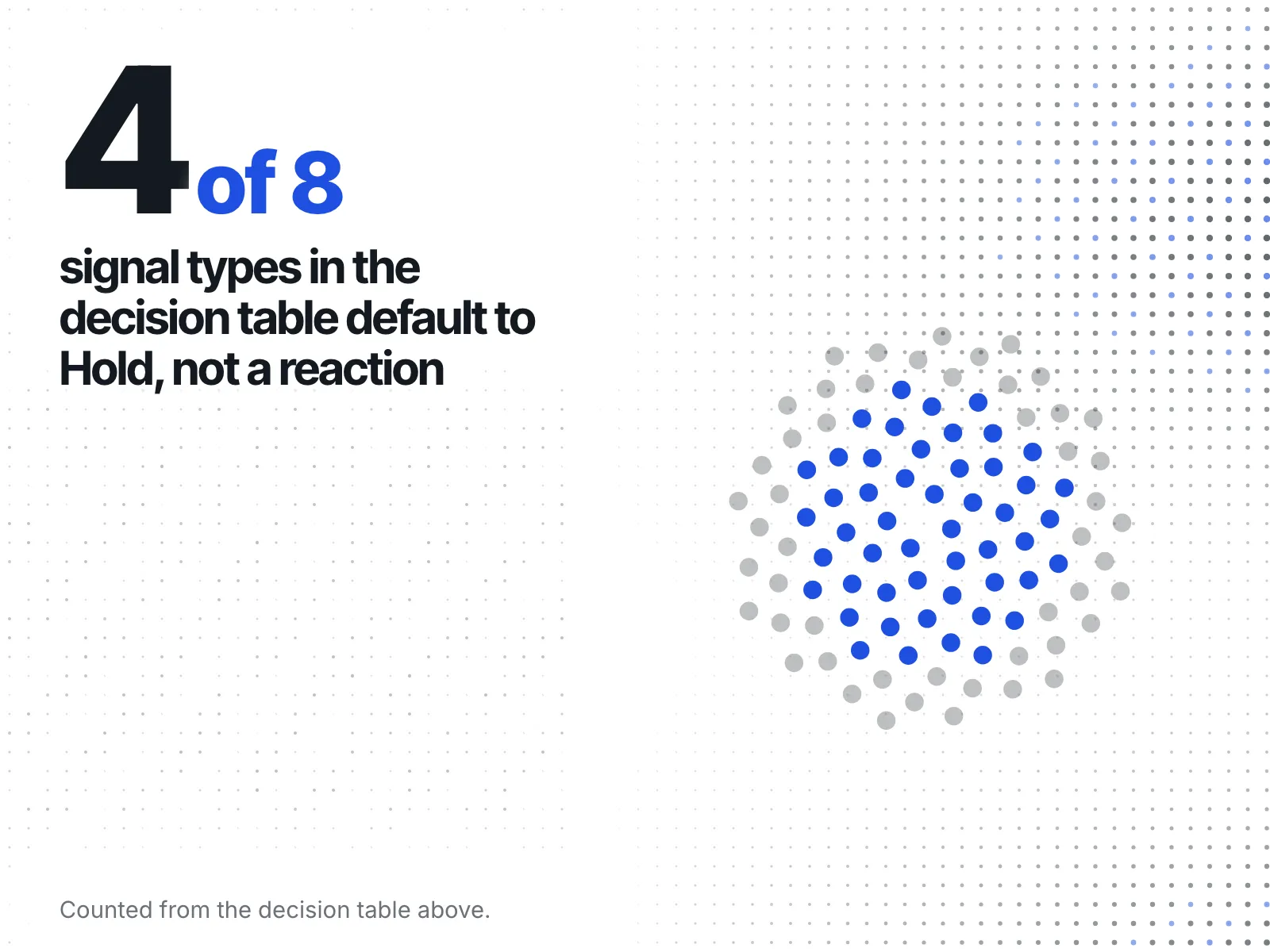
Every change you log should end in one of four decisions: hold, respond, restock or push ads. If a change doesn't lead to one of them, it's noise. The table pairs each signal with the decision it usually feeds.
| Signal | Usual decision | Why |
|---|---|---|
| Rival deepens the discount on a product that competes with yours | Respond, or hold if your margin can't carry it | It's a direct price comparison a shopper can make |
| Rival's compare-at price appears with no change to Price | Hold | The shopper pays the same; only the framing changed |
| Rival's hero product sells out | Push ads on your matching product | Demand they can't serve is looking for somewhere to go |
| Rival's product comes back in stock | Hold | The window you had has closed; don't chase it |
| Your own product runs low while theirs is still live | Restock, or move ad spend to a product you have | Paying for clicks you can't fill wastes the weekend |
| A new set of rival ads appears | Hold, note the offer they lead with | One look tells you their message, not whether it's working |
| Rival adds a Cyber Monday-only code or bundle | Respond if you planned a Cyber Monday offer, hold if not | Reacting to a code you didn't plan for usually means discounting twice |
| Rival's sale price holds past its stated end | Hold your own end date, unless you planned an extension | Matching an extension turns a weekend sale into a month |
Here is how that works in practice. Say you sell candles, and on Friday evening the rival you watch most closely sells out of the three-wick candle that competes with your bestseller. That's a push-ads signal: shoppers who wanted theirs are still searching. Then on Saturday it shows as back in stock. Now it's a hold. You had the gap for a day, and the log tells you exactly when it opened and closed, so you know which day's ad spend to look at afterwards.
What can you safely ignore?
Ignore any change that doesn't move price, availability or the offer itself. Those changes cost attention without leading to a decision, and on a busy weekend attention is what you run short of.
- One colour or size variant selling out while the product stays on sale.
- A banner redesigned with the same offer on it.
- A typo or wording fix on a product page.
- A product that isn't one of your hero products' direct rivals.
- An ad that's the same creative in a new format.
What should a weekend log look like?
One row per change, with five columns: when you saw it, which store, what changed, where you saw it, and the decision you made. A shared sheet is enough. The log is what makes Tuesday's comparison possible, and it's the thing you'll plan next year's sale from.
| Seen | Store | What changed | Where | Decision |
|---|---|---|---|---|
| Fri evening | Rival A | Hero product sold out | Product page | Push ads on our matching product |
| Sat morning | Rival A | Same product back in stock | Product page | Hold |
| Mon morning | Rival B | Cyber Monday-only code on banner | Homepage | Hold, no Cyber Monday offer planned |
Write the time you looked, not the time you guess the change happened. All you know is that it changed between your last look and this one.
How do you check rivals without opening every site all weekend?
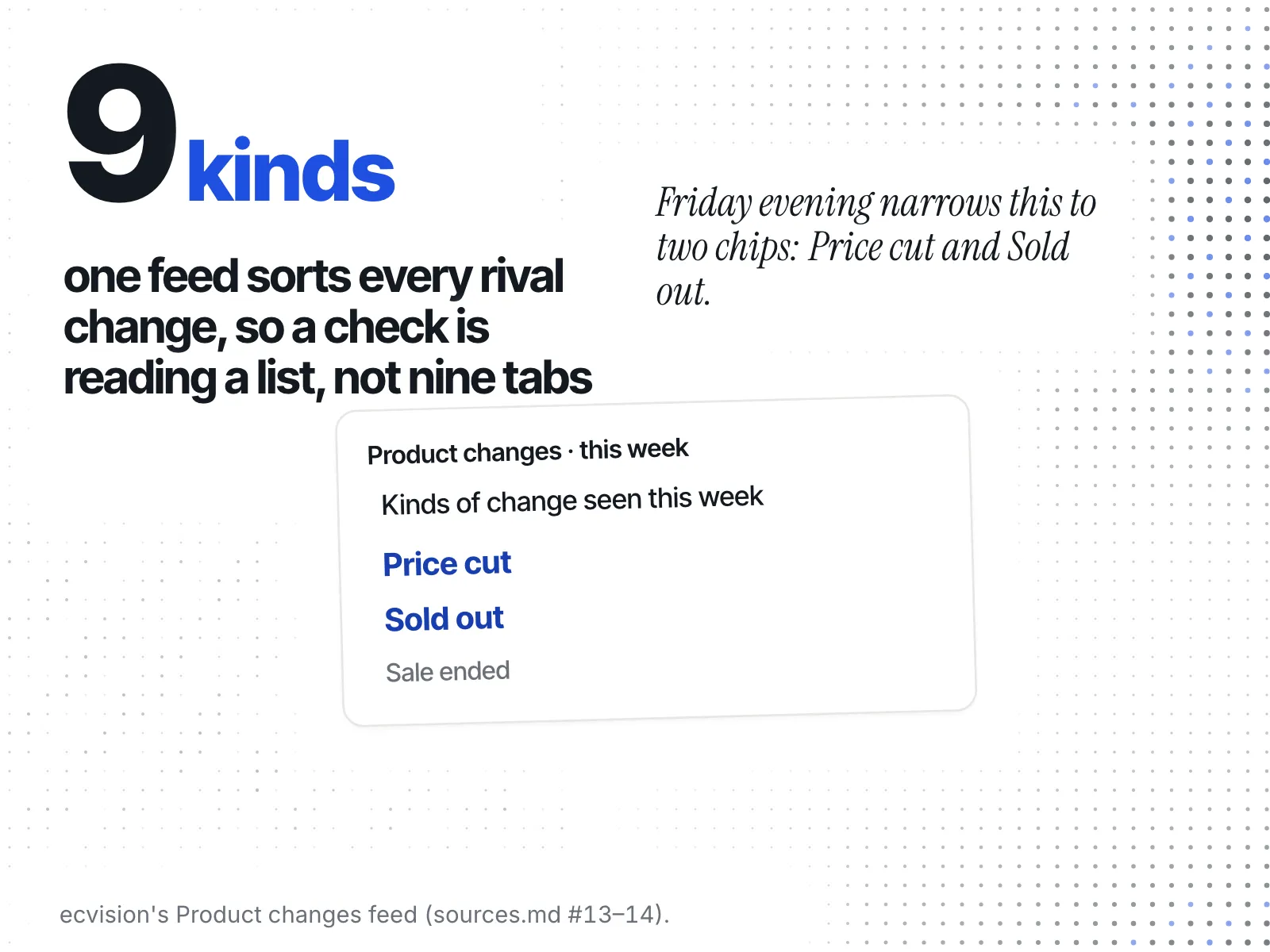
Opening every rival's product pages at every check is the part of this plan that eats the weekend. ecvision does the opening for you. For a store you watch, its weekly sheet has a "Product changes" section that lists each change, so the check becomes reading one list.
The list sorts each change into nine kinds: Price cut, Price rise, Sale started, Sale ended, Sold out, Back in stock, New, Delisted and Returned. A "Kinds of change" filter starts on "All" and narrows it to the signal that day's check is about. A kind measured at zero that week gets no chip. On Friday evening, Price cut and Sold out are the kinds that matter. On Tuesday, it's Sale ended.
Each change carries its timing the same way your log does. The app's method note says: "Each change is dated by two reads of the store's catalogue: the last that still held the old state and the first that held the new one." New products carry the store's own publish date.
The same sheet puts week-over-week counts for "New products", "New ads" and "New sales" side by side, and a strip of the store's ads headed "Ads started this week" with the week's dates, or "Newest ads" when none started that week. More on how ecvision watches a store.
Your weekend checklist
- Thursday night: record each hero product's price and compare-at price.
- Friday morning: compare against Thursday and check stock on your direct rivals.
- Friday evening: look for deeper cuts, sell-outs and new ads.
- Saturday and Sunday: one pass a day, and catch the log up.
- Cyber Monday: a full check, as on Friday.
- Tuesday: prices back up means ended, still down means extended.
- Every change: one row in the log, one decision.