When it doesn't connect
Every message ecvision's connect flow can show, why it happens and what to do, grouped by the step you stopped at, for Claude, ChatGPT and terminal agents.
Last updated
Find the step you stopped at. Each message is quoted the way you'll see it.
At step 1: opening your AI's connectors
I can't find where to add a connector
Why. Our buttons open each app's settings, but those links aren't documented by the apps, so one can land on another page.
Fix. Claude: Customize › Connectors › + Add › Add custom connector. ChatGPT: Settings › Apps & Connectors › Advanced settings › Developer mode › Create.
A terminal command just prints the help
Why. claude mcp auth is not a Claude Code command.
Fix. Use claude mcp login ecvision, or type /mcp in a session. Gemini CLI signs in with /mcp auth ecvision inside Gemini.
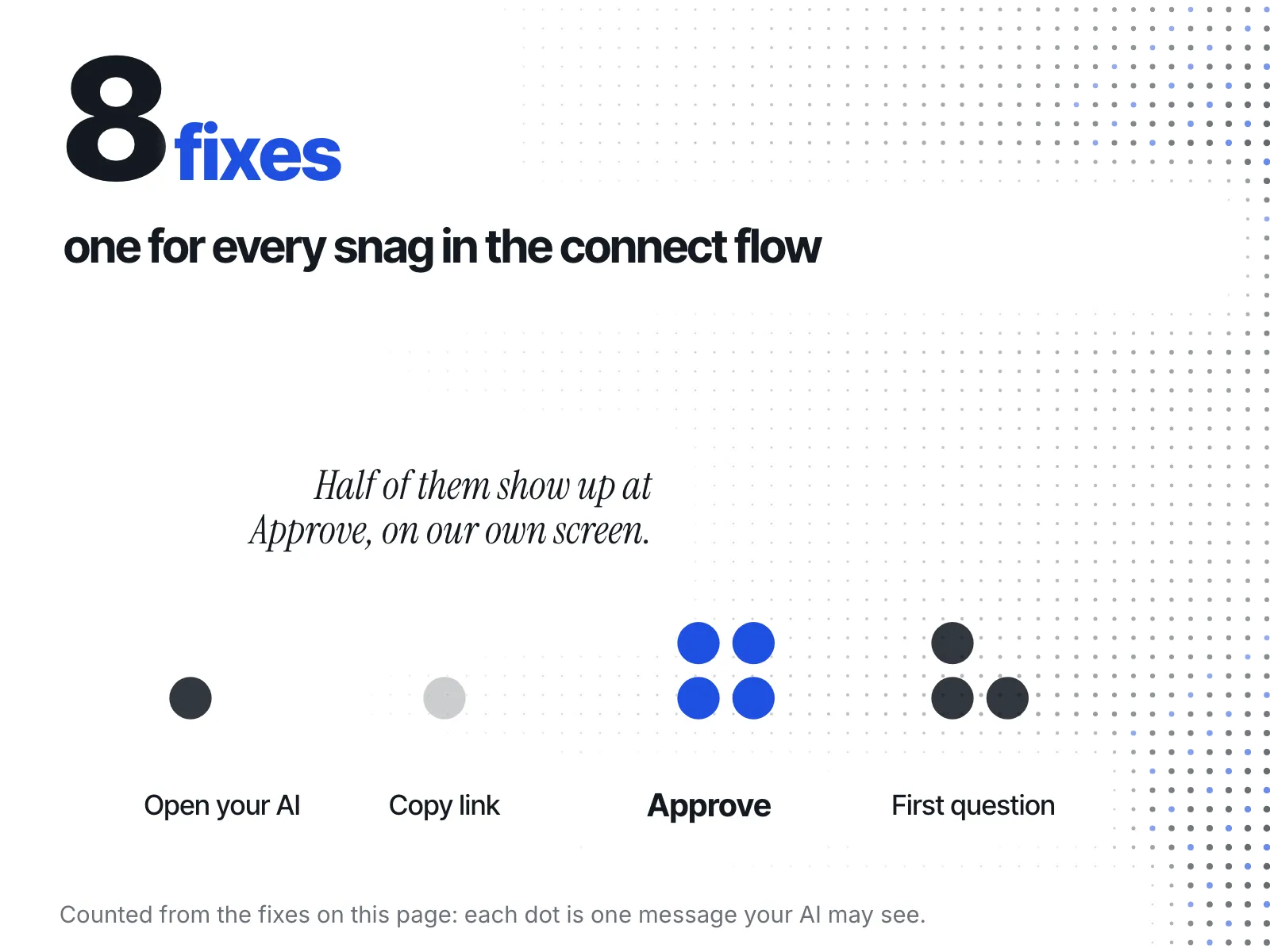
At Approve, on ecvision's screen
It says your AI was not connected
“This plan's MCP connection limit has already been reached. your AI was not connected, and nothing was granted.”
Why. Each plan connects a set number of AIs at once: Starter 1, Growth 4. Free connects none.
Fix. Disconnect one you no longer use (open MCP in the sidebar), or move up a plan. The screen links both.
It says my session could not be verified
“Your session could not be verified”
Why. Your ecvision sign-in ran out while the Approve screen was opening.
Fix. Sign out, sign back in, then start again from step 1 in your AI.
It says your AI could not be connected
“your AI could not be connected (…). Nothing was granted.”
Why. A check failed before anything was saved. The code in brackets says which one.
Fix. Start again from step 1. If it happens twice, send us the code in brackets.
It's reading the wrong workspace
Why. Each connection reads the one workspace you picked when you pressed Approve.
Fix. Disconnect it on the MCP page, connect again, and pick the other workspace.
After your first question
The page still says “Waiting for the first question…”
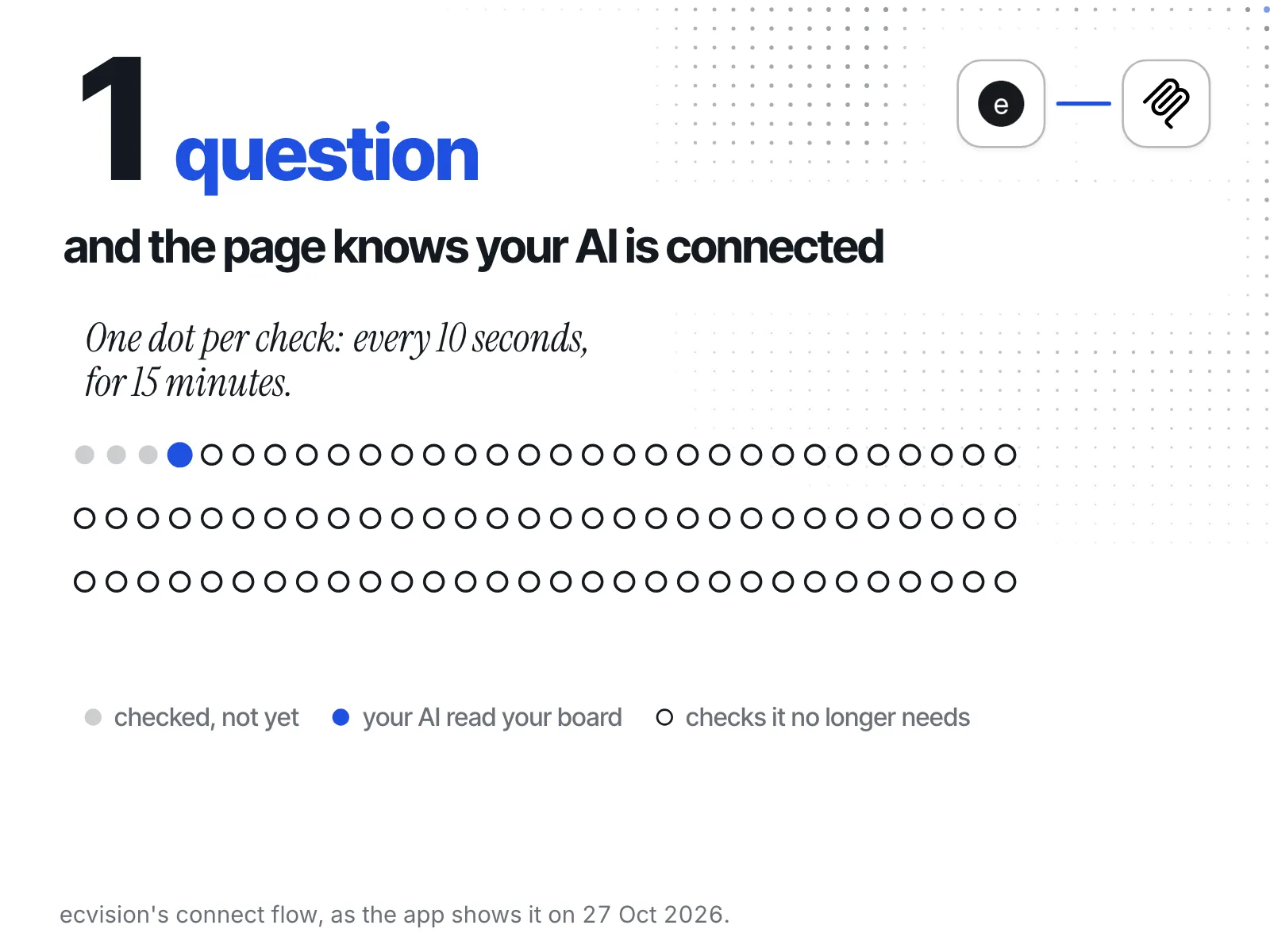
Why. Adding the connector isn't enough: the page turns to Connected the first time your AI reads your board. It checks every 10 seconds and stops after 15 minutes.
Fix. Ask your AI “List the stores I track in ecvision.”, then reload the MCP page.
your AI answered, but not from ecvision
Why. your AI decides when to use a connector, and a general question may not need one.
Fix. Name it: “Using ecvision, which of my rivals launched the most ads this month?”
Can it change anything in my account?
Why. No. It reads, and only the one workspace you picked.
Fix. Disconnect it any time on the MCP page.