Connect ecvision to your AI
Put ecvision inside Claude, ChatGPT or a terminal agent, so your AI answers about rivals from real, dated data instead of guessing.
Last updated
Your AI can't know what a rival launched on Tuesday or which ad has run for 40 days. Connected to ecvision, it reads the stores you track and answers with real figures and the day they were read.
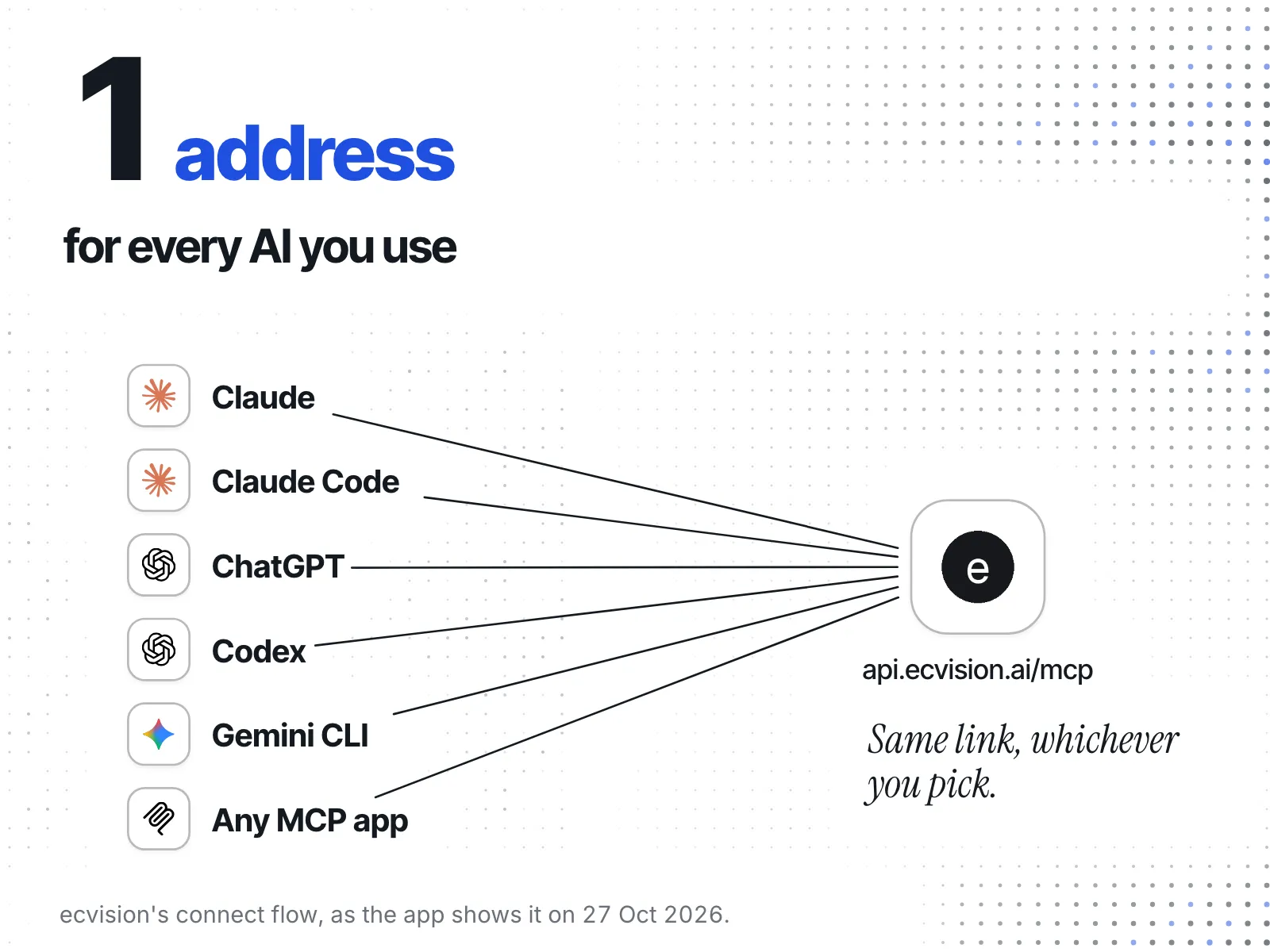
Every AI connects to the same address:
https://api.ecvision.ai/mcpPick the AI you use
- Claude (web, desktop or app): Connect Claude to ecvision
- ChatGPT: Connect ChatGPT to ecvision
- Claude Code, Codex or Gemini CLI: Connect a terminal agent
- Any other MCP app: open its connector settings (look for Connectors, Integrations or MCP servers), add one, and paste the address above.
On ecvision, all of these start from MCP in the sidebar.
What it can and can't do
- It reads the one workspace you pick when you approve it, and changes nothing.
- It answers from the stores you track. A store you don't track isn't there for it.
- How many AIs you can connect depends on your plan: Plans and disconnecting.