Connect Claude Code, Codex or Gemini CLI
Connect a terminal agent to ecvision with one message it runs itself, approve in the browser, then ask about your rivals from the terminal.
Last updated
A terminal agent can set itself up. You paste one message, it runs the commands, and a browser tab asks you to approve.
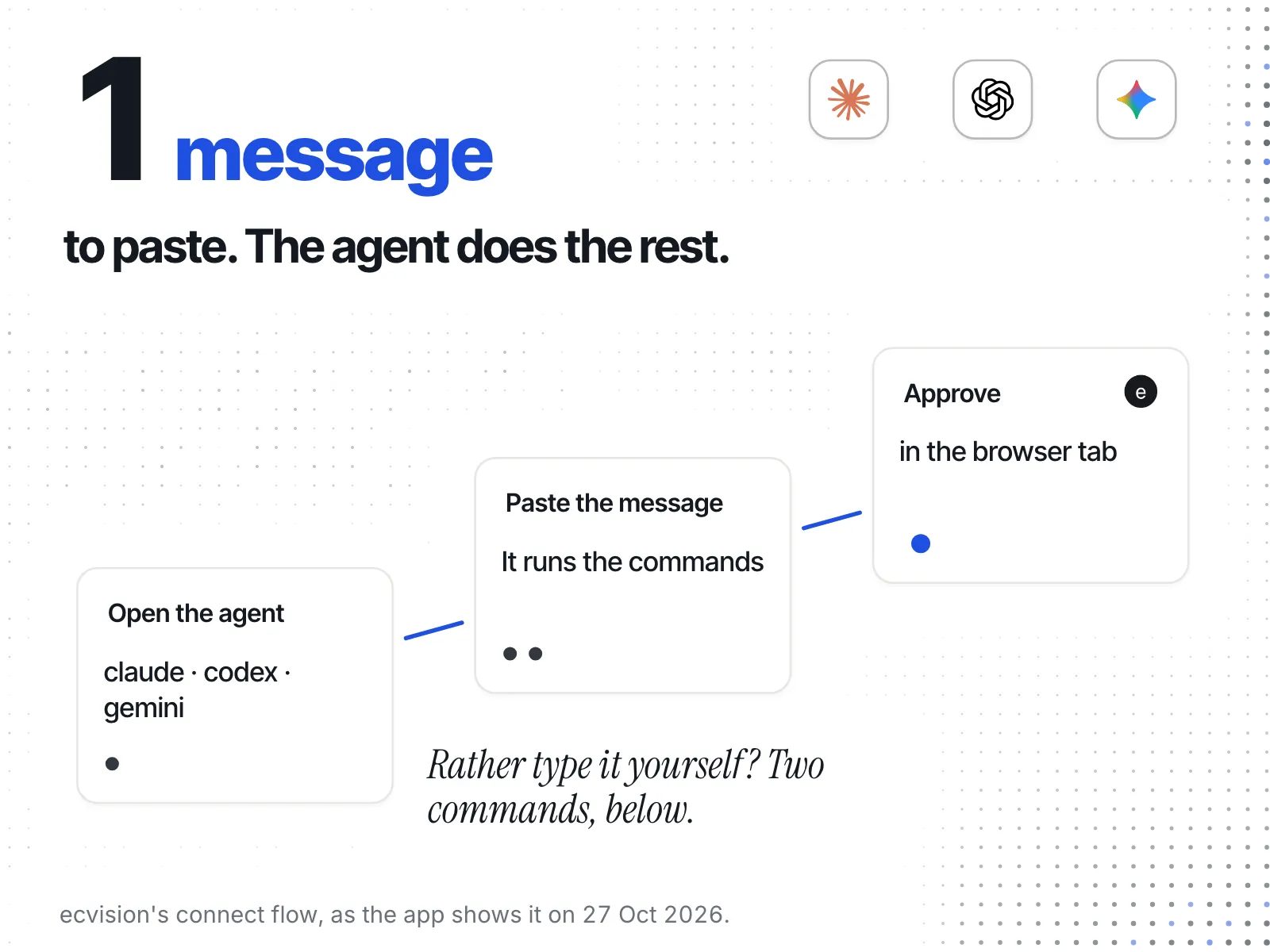
1. Open the agent
In your terminal, type claude, codex or gemini and press Enter.
2. Paste this message
On ecvision, open MCP in the sidebar, pick your agent and press copy. For Claude Code the message is:
Connect yourself to ecvision, my competitor tracker. Run `claude mcp add --transport http ecvision https://api.ecvision.ai/mcp`, then tell me to type /mcp, pick ecvision and sign in. A browser tab will ask me to approve. When it's done, list the stores I track in ecvision.3. Approve in the browser
The agent adds ecvision on its own. A browser tab opens: approve, and pick the workspace it may read.
Rather type the commands?
Claude Code
claude mcp add --transport http ecvision https://api.ecvision.ai/mcp
claude mcp login ecvisionCodex
codex mcp add ecvision --url https://api.ecvision.ai/mcp
codex mcp login ecvisionGemini CLI — add it, then type /mcp auth ecvision inside Gemini:
gemini mcp add --transport http ecvision https://api.ecvision.ai/mcpIn Claude Code, claude mcp auth is not a command: it prints the help and connects nothing. Use claude mcp login ecvision, or type /mcp in a session.
4. Ask your first question
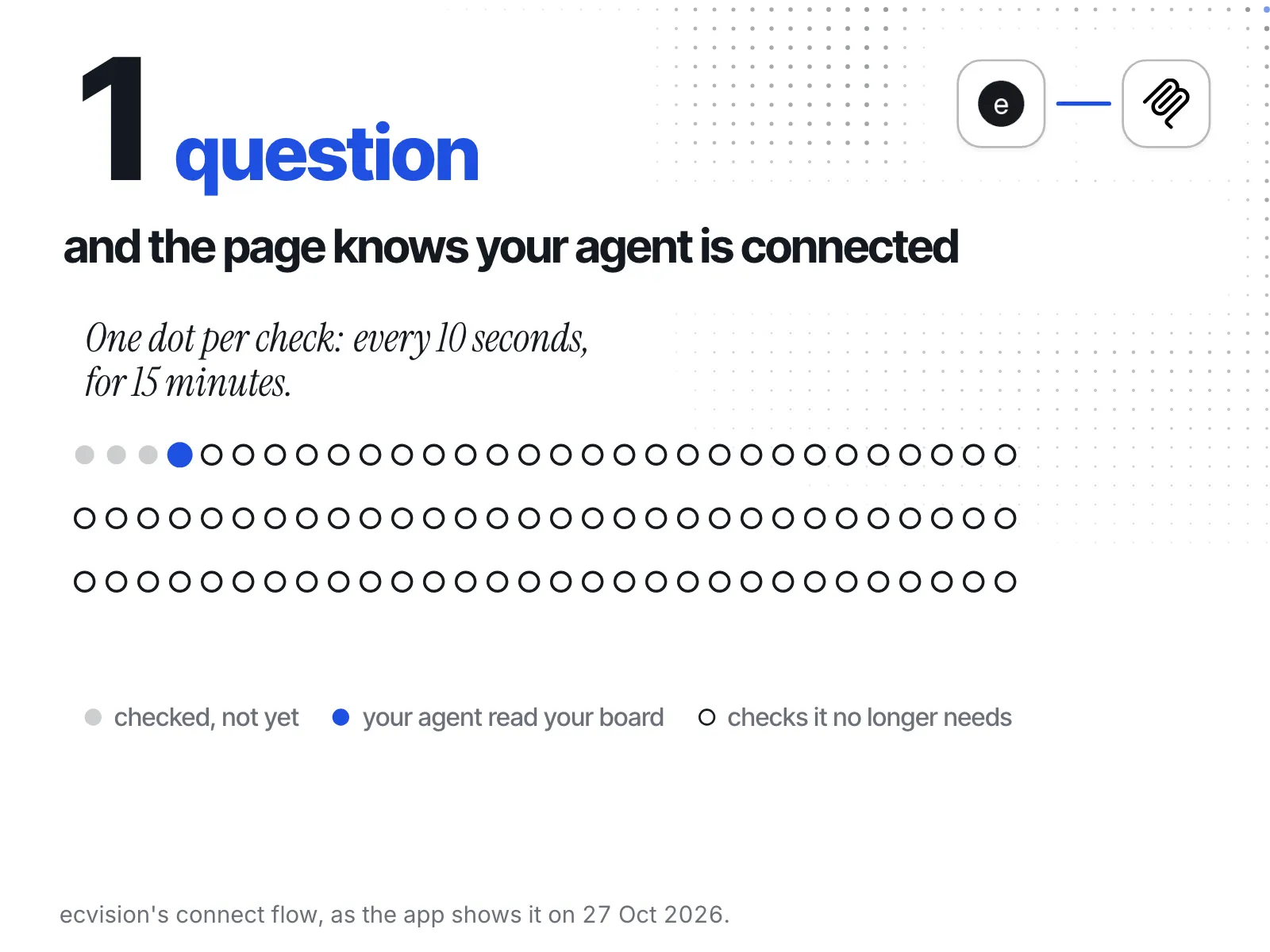
Ask: “List the stores I track in ecvision.” The MCP page turns to Connected the moment the agent reads your board.
Terminal agents answer in text. The charts in Charts in the chat are drawn by chat apps like Claude.
If something doesn't work
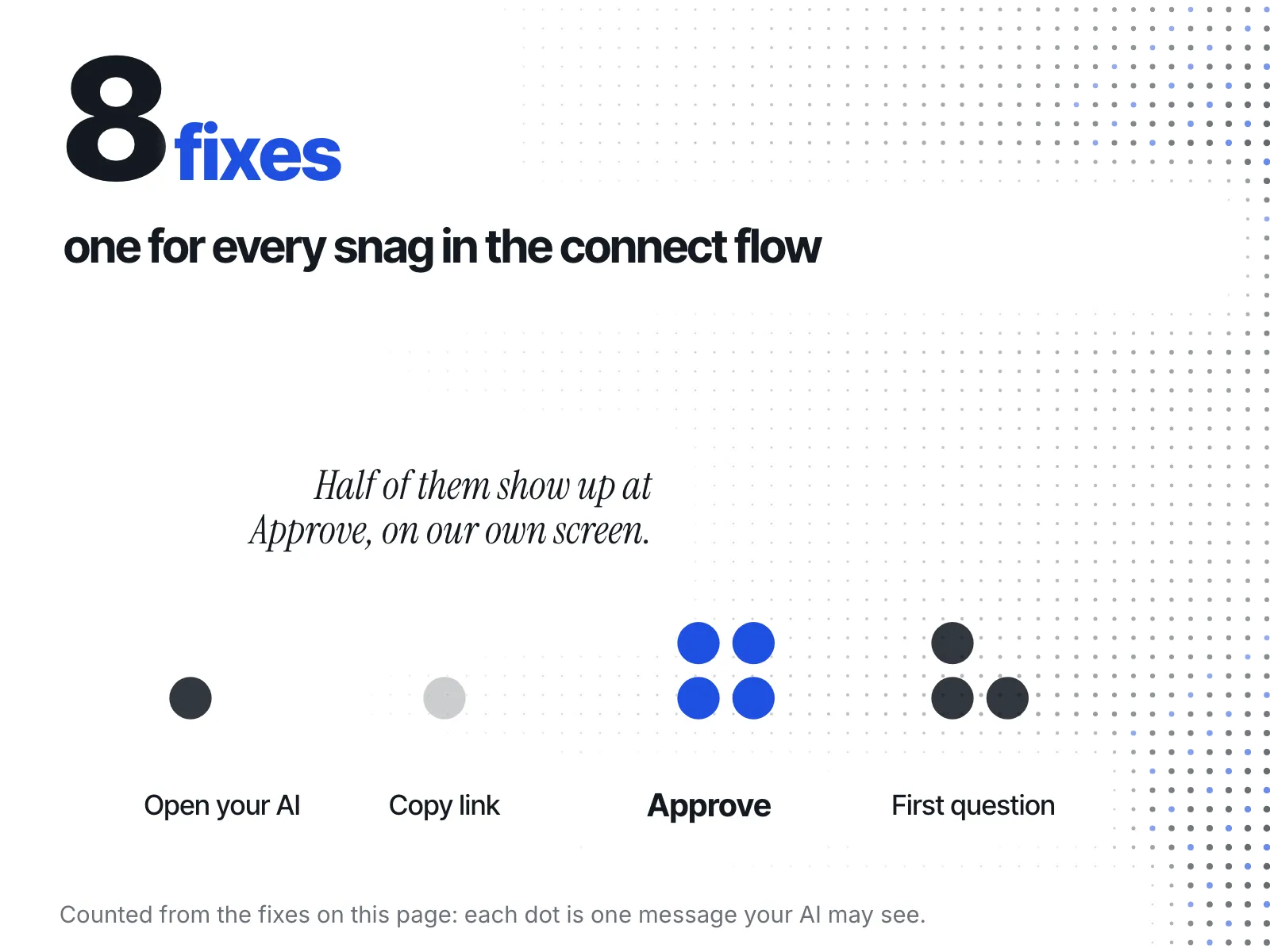
See When it doesn't connect for every message, why it happens and the fix.