What your AI can read
The 15 read-only tools ecvision gives your AI: stores, catalogues, products, ads, posts, social reach, visits (est.) and trends, and what each won't tell you.
Last updated
Connected, your AI gets 15 tools. Each one only reads, and only the stores your workspace tracks. It picks the tool from your question; you don't need to name them.
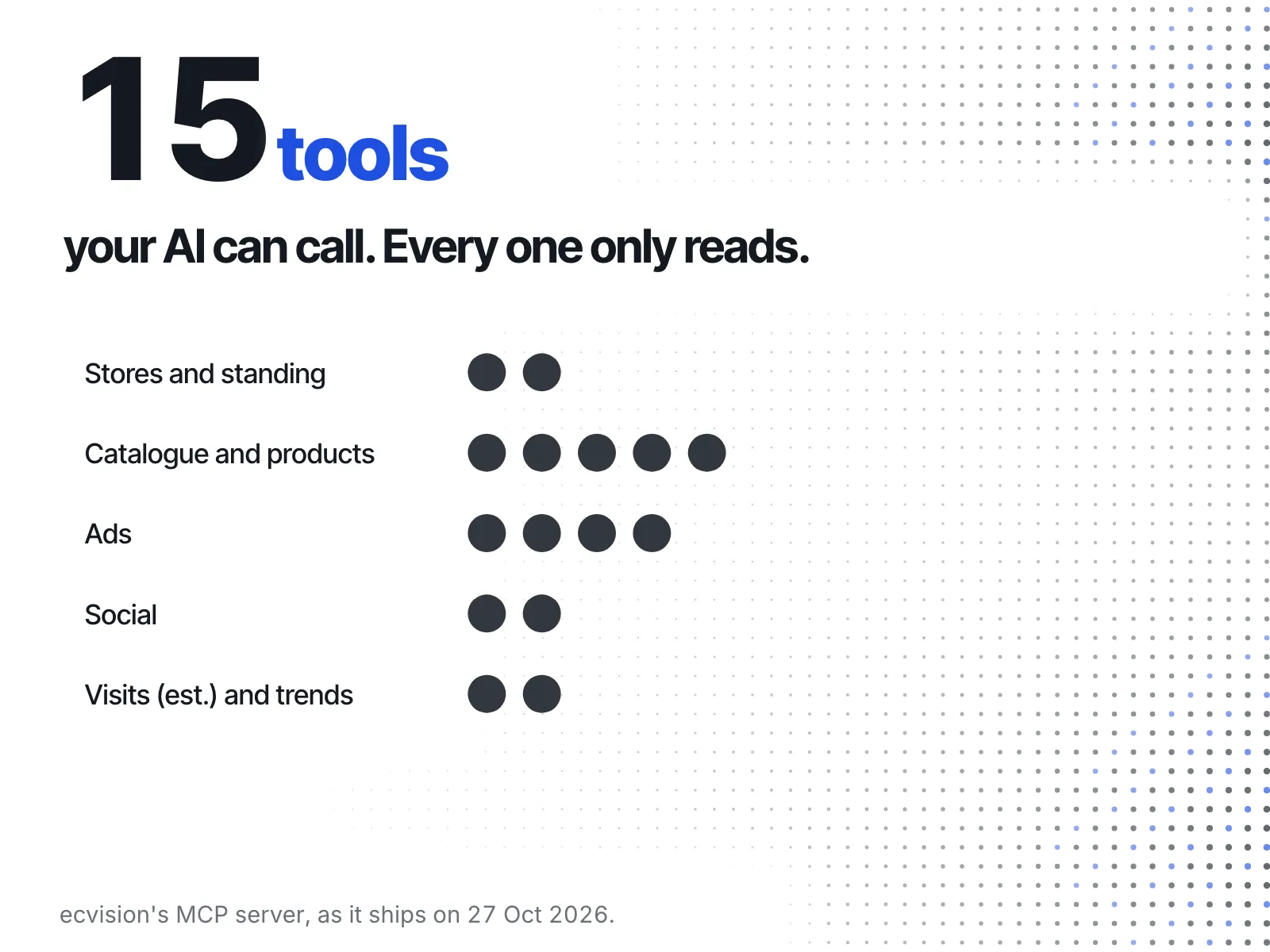
Stores and standing
- Your tracked stores, and how fresh each one's data is. Every other tool starts from this list.
- Where you stand against the stores you track, on every pillar that has a source.
Catalogue and products
- Catalogue size and prices, every tracked store side by side.
- Categories: what each store sells, by product category.
- Products from the tracked catalogues: up to 20 at a time, newest or by price.
- Product changes one store made in the last days (up to 365, within your plan's history).
- Estimated sales: products by estimated monthly sales, with the ads pointing at them. These are estimates, and they say so.
Ads
- What they advertise now on Meta's platforms and Google.
- Individual ads, up to 12 at a time.
- Copy mix: what a store says in its ads beside what it says in its posts.
- Brand watch: everything one advertiser's programme shows about how they run it.
Social
- Posts from the stores' social accounts, up to 10 at a time.
- Followers and post counts per channel.
Visits (est.) and trends
- Estimated monthly visits and top countries. Every figure here is an estimate.
- Trends: how a store's catalogue, prices or live ad count moved, day by day, for 7 to 365 days within your plan's history.
What it won't tell you
No tool reports ad spend, impressions, click-through or engagement rate: those aren't published for these ads, so ecvision doesn't invent them. When a question needs history your plan doesn't hold, the answer says so.