Plans and disconnecting
How many AIs each plan connects (Starter 1, Growth 4), what happens over the limit, and how to disconnect one from ecvision.
Last updated
Each connection is one AI app reading one workspace. Your plan sets how many can be connected at once.
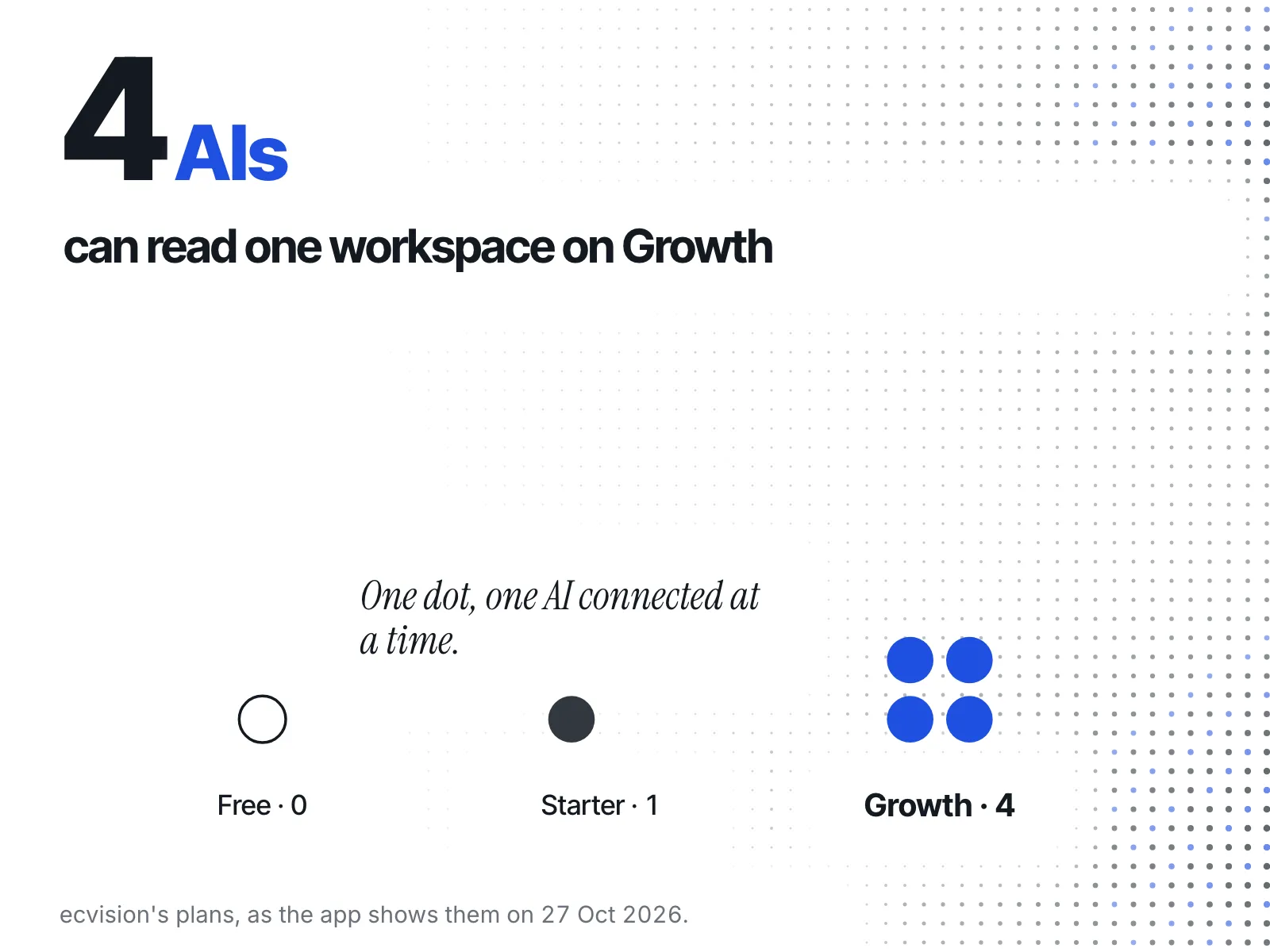
- Free: none. The MCP page still shows the steps; at Approve, it offers a plan instead of connecting.
- Starter: 1 AI.
- Growth: 4 AIs.
When you're at the limit
A new connection is refused at the Approve screen: “This plan's MCP connection limit has already been reached.” Nothing is granted. Disconnect one, or move up a plan; the screen links both.
If you move to a plan with fewer connections, the extra ones stay listed but stop answering. Each shows “Not answering: over the … limit”, with your plan's name, until you disconnect one.
Disconnect an AI
- Open MCP in the sidebar. Your connected AIs are listed with when each was last used.
- Press Disconnect on the one to remove.
It stops working on its very next question, not when its sign-in would have run out. To connect it again, start from its guide.