Should You Extend Your Black Friday Sale to Cyber Monday?
Extend, end on time, or swap to a smaller Cyber Monday offer? A three-check method for Sunday night of BFCM weekend: your numbers, your rivals, your promise.
Thomas Pham · · 8 min read

It's Sunday night of Black Friday weekend and your sale is due to end. Should you extend your Black Friday sale through Cyber Monday? Only if three things line up: you still have stock on the products the sale is selling, the margin at that discount still works, and you never told customers it would end tonight. If any one fails, end on time or swap to a smaller Monday offer.
The rest of this post is how to run those three checks in under an hour, what your rivals' weekend tells you, and how to make the change without a mess in your Shopify admin.
Why is this a real decision and not an obvious yes?
Cyber Monday is forecast to be the biggest online shopping day of the 2026 holiday season, so leaving it without an offer costs you. But the same discount for four days in a row can train customers to expect it, eat margin on stock you may not be able to replace, and break a promise you made in Friday's email.
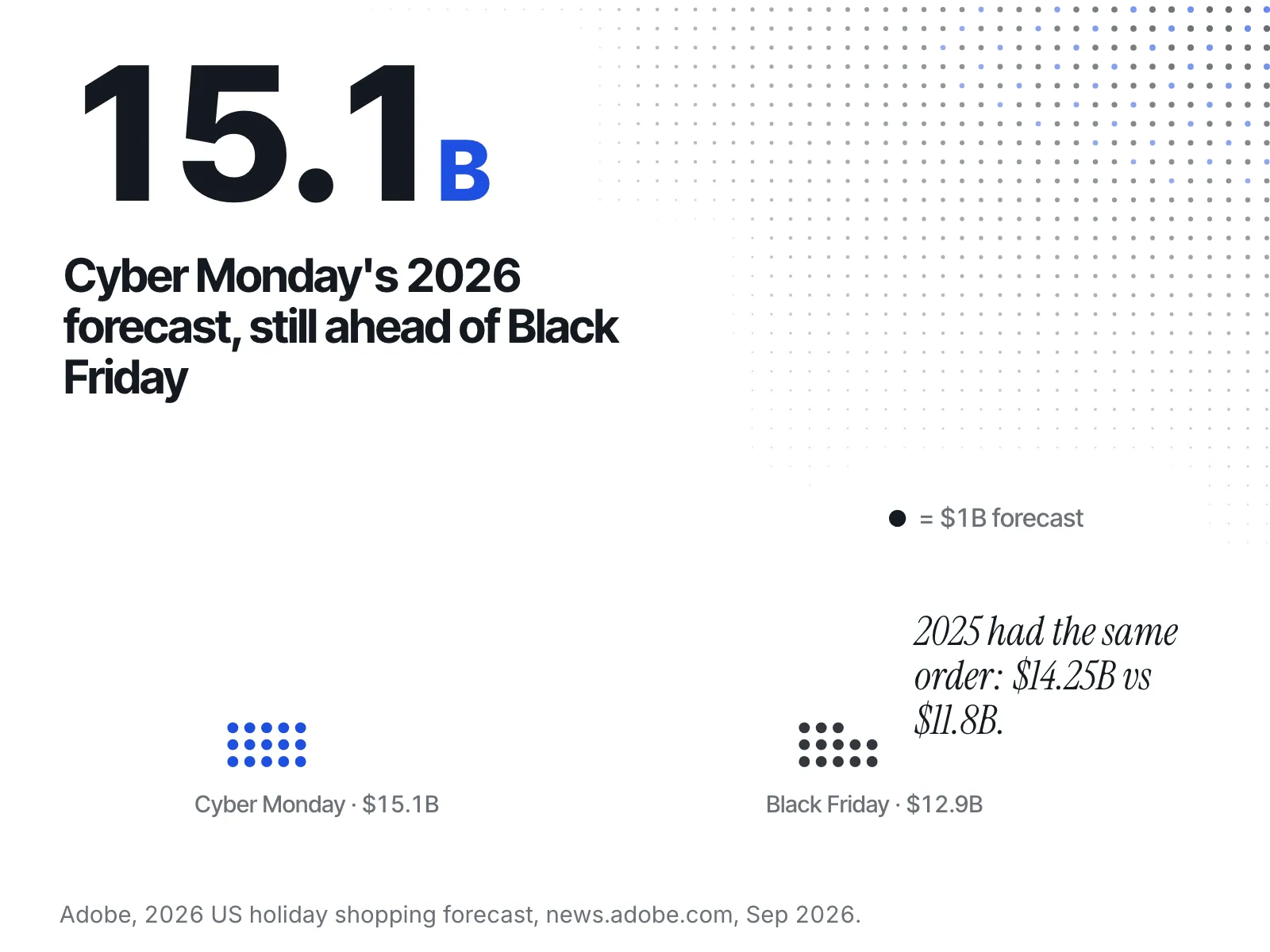
Adobe's 2026 holiday forecast puts Cyber Monday (30 November) at $15.1 billion, up 6.2% year on year, with Black Friday (27 November) second at $12.9 billion. Those are forecasts made in September. Last year's actuals had the same order: Cyber Monday $14.25 billion, Black Friday $11.8 billion. Monday is where the money is. The question is never whether to have an offer on Monday. It's whether that offer should be the one you've been running since Friday.
What should you check in your own numbers first?
Check three things before you look at anyone else: units left on the handful of products carrying the sale, the margin per order at the current discount, and the exact words your emails and ads used about when the sale ends. Those three decide which options you have.
- Stock on the hero products. Not the whole catalogue, just the products most of the weekend's orders came from. If they'll sell out by Monday lunch at the current discount, extending the sale sells out the product you'd rather sell at full price in December.
- Margin at the discount. Take one typical order at the sale price, then subtract product cost, shipping and the ad spend it took to get it. If that number was thin on Friday, a fourth day of it doesn't get better.
- What you promised. Open the last email you sent and the ads still running. Find the end date. "Ends Sunday at midnight" is a different starting point from "Black Friday weekend" with no date on it.
Write the three answers down. You'll use them against the table further down.
What did competitors already do by Sunday night?
By Sunday you can see what rivals chose: extended, renamed the sale to Cyber Week, deepened the discount, ended it, or ran out of stock. You read it from public places: their product pages and compare-at prices, their sale banners, and the ads they're running in the Meta Ad Library.
Here's the manual route, store by store:
- Product pages. Open the rival's best sellers. Note the sale price and the crossed-out compare-at price. If the compare-at line disappeared overnight, the sale probably ended. If the gap widened, they probably deepened it, unless the compare-at price itself moved, which is worth checking the way the was-price post below describes.
- Sale banners and collections. A new "Cyber Monday" banner or collection tells you they're running a separate Monday offer rather than stretching Friday's.
- Stock. A product page tells you whether a product is available or sold out. The public product data doesn't include a unit count, so a sold-out badge is usually the most you'll get.
- Ads. Look the brand up in the Meta Ad Library to see the ads it is running and read what the creative says about the sale.
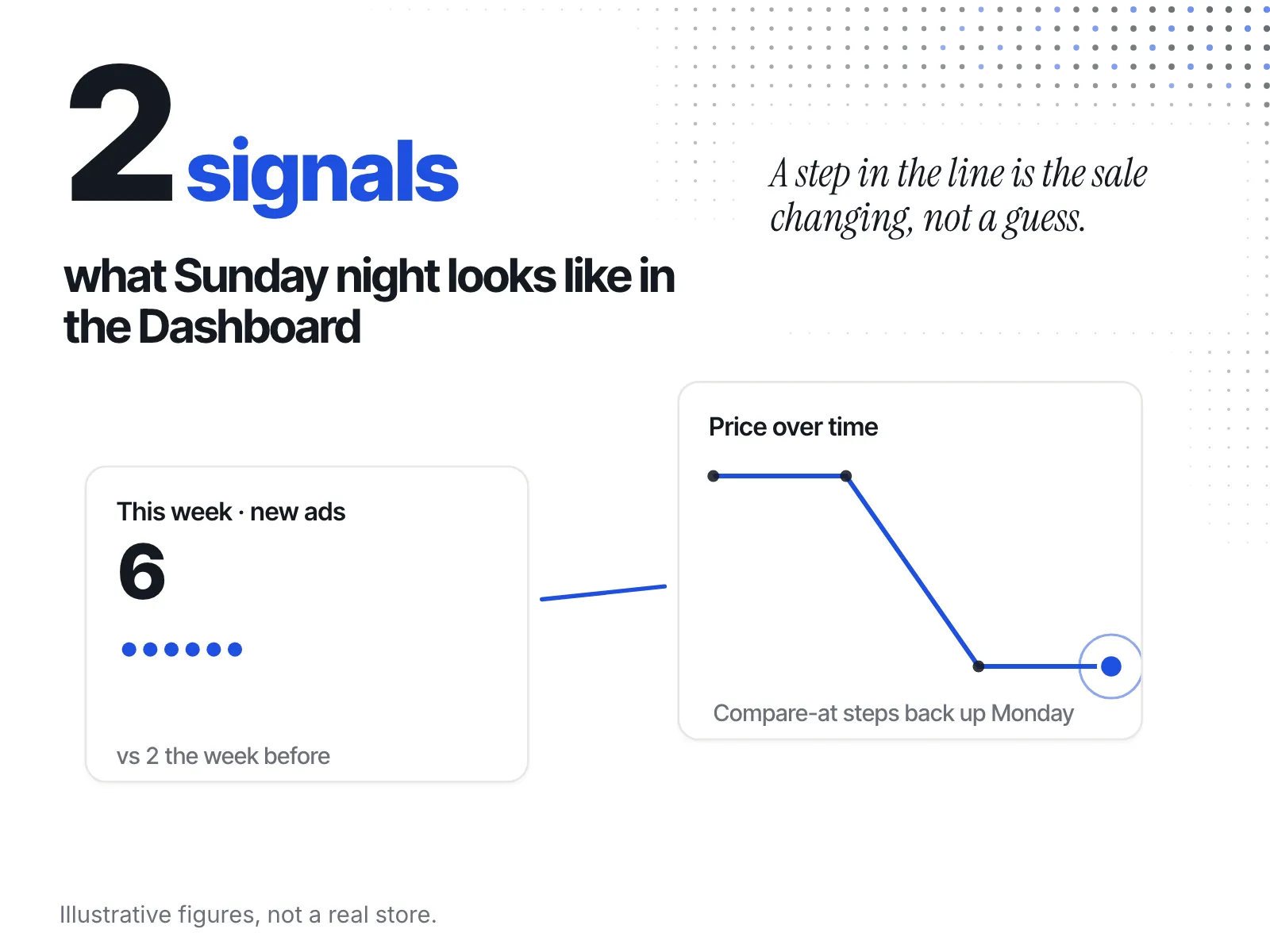
Doing that for five rivals on Sunday night takes a while. ecvision, a competitor-monitoring app for Shopify stores, does the same public checks on the stores you watch and puts the weekend in one place. The Dashboard's "This week" tab shows each watched store's "New products", "New ads" and "New sales" counts next to the period before; "New sales" counts new sale collections, not price cuts on existing products. The store view adds a strip headed "Ads started this week" (or "Newest ads" when none started that week), each creative captioned with its start date. On the Products page, the Sales Intelligence tab plots a rival product's "Price over time" with its Price and Compare-at lines, so a sale that ended or deepened shows as a step, not a guess. It lets you read the weekend in one sitting before you decide Monday.
The full list of what to look for, and what each change means, is in what competitors change between Black Friday and Cyber Monday.
One caution. Rivals are an input, not the answer. A rival who extended with plenty of stock tells you little about a store that's nearly sold out. Use their move to see what shoppers will compare you against on Monday, then go back to your own three numbers.
What are your three options, and when does each fit?
You have three realistic paths. Extend the same offer if stock and margin hold and you never named an end date. End on time and launch a different Cyber Monday offer if you promised Sunday. Narrow to a smaller Monday offer if stock or margin is thin.
| Option | When it fits | What it costs | What to watch Monday |
|---|---|---|---|
| Extend the same offer | Plenty of stock on the hero products, margin still works, and you never named an end date | Another day of margin at the full discount; "last chance" copy loses its weight next year | Sell-through on the hero products by midday |
| End on time, launch a distinct Cyber Monday offer | You told customers the sale ends Sunday, or rivals have all switched to new Monday offers | Building a second offer and new creative on Sunday night | Whether Monday's offer brings orders without the Friday discount |
| Narrow to a smaller Monday offer | Stock is low on the best sellers or margin is thin: fewer products, free shipping or a bundle instead of the site-wide discount | Some shoppers expected Friday's deal and won't get it | Orders on the products you left in, and margin per order |
Say you sell handmade candles. Your site-wide discount has run since Friday and your emails said "ends Sunday". By Sunday evening your two best scents are close to selling out, and two of the rivals you watch have just put up "Cyber Monday" banners on new bundles. Extending the site-wide deal would break your promise and empty the scents you need for December. So you let it end at midnight as promised, and on Monday you send a new email for a candle-and-refill bundle built from the scents you have plenty of. You're in the Monday conversation without stretching Friday's deal.
Is it honest to quietly extend a sale you said would end?
Extending isn't wrong in itself. The risk is silence. If your banner still counts down to a deadline that has passed, customers stop believing your deadlines. And a "sale" that never really ends weakens the claim that your crossed-out price is the real regular price.
The US Federal Trade Commission's Guides Against Deceptive Pricing set the standard for that crossed-out price. Under 16 CFR 233.1, "Former price comparisons", a former price is a fair basis for a sale claim if it is "the actual, bona fide price at which the article was offered to the public on a regular basis for a reasonably substantial period of time." The rule sets no fixed number of days. One extra day won't change your regular price. A sale that runs most of the season starts to.
This is the same test you'd use on a rival's "was" price, covered in how to tell if a competitor's Black Friday was-price is real. Apply it to your own store first. This isn't legal advice; if you're unsure, ask someone who gives it.
The practical rule: if you extend, say so. Change the banner, update the countdown, and send a short "we've extended to Monday" email so the new end date is the one customers see.
How do you change the discount in Shopify without a mess?
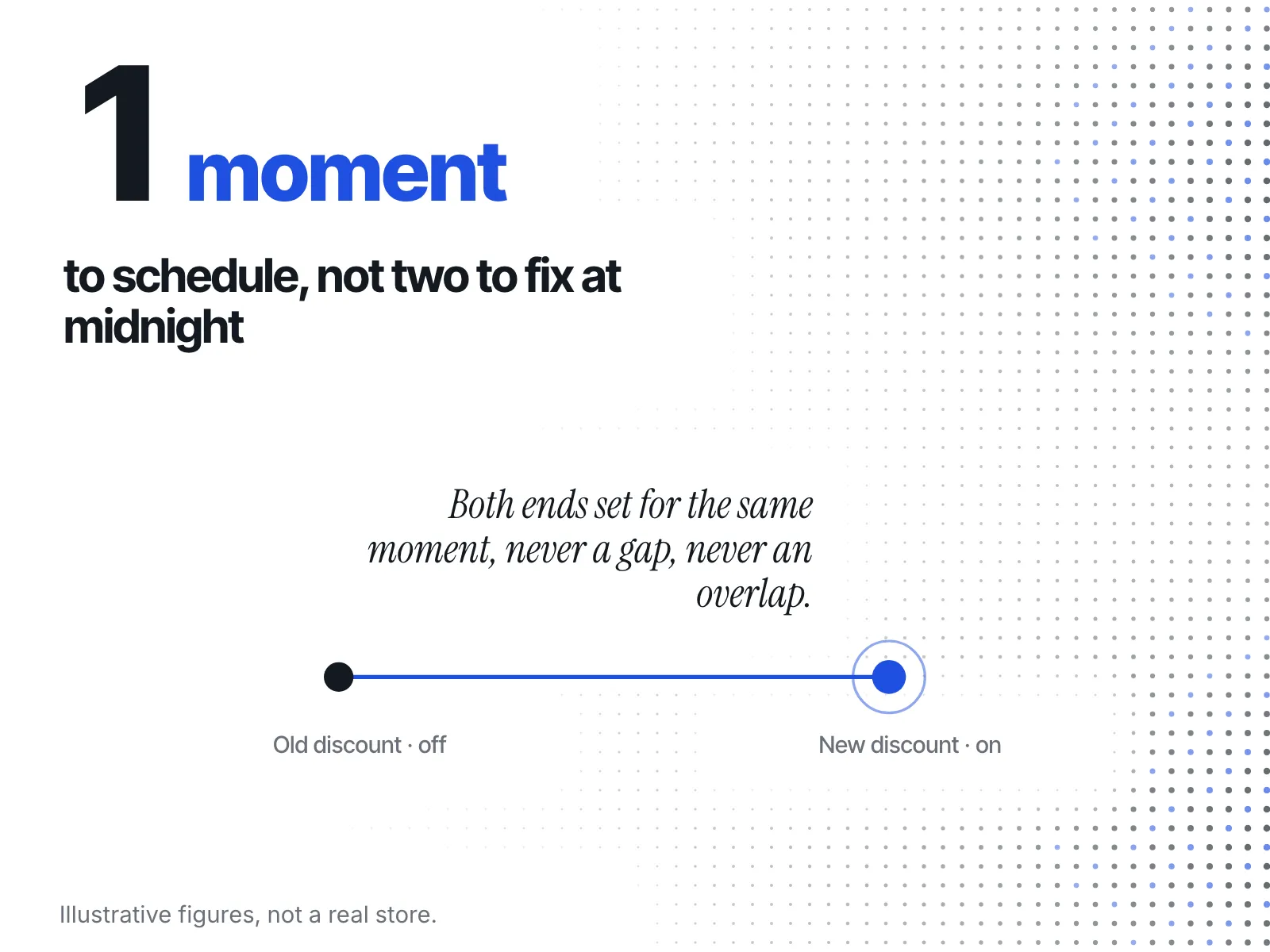
Decide before Sunday night if you can, and schedule the change rather than doing it by hand at midnight. Shopify's discounts help page says you can "use a rollout to schedule when a discount is activated or deactivated", which lets the Friday offer switch off and Monday's switch on without you awake for it.
That line is from Shopify's discounts help page, which points to its rollout guide for the details. Plan the switch in three steps:
- Schedule the old discount to deactivate at the time you told customers, or the new time you're announcing.
- Schedule the Monday offer to activate at the same moment, so there's no gap with no offer and no hour with both running.
- Check the storefront on a product page after the switch: the right price, the right compare-at, the right banner.
The usual mess is two offers live at once, or none. Scheduling both ends of the change at the same time avoids both.
What should you watch on Monday after you've decided?
Watch two things on Monday: sell-through on the products you kept in the offer, and what rivals do as Cyber Monday closes. Some end at midnight, some roll into Cyber Week, and their prices the following week tell you how your December pricing will compare.
If a hero product is selling faster than you planned, pull it from the offer before it sells out. Margin on a December full-price sale is worth more than one more Monday order. For what usually happens to rival prices once Monday ends, read what happens to competitor prices after Cyber Monday.
The Sunday-night checklist
- Units left on the hero products, and whether they'll last through Monday at the current discount
- Margin per order at the discount, after shipping and ad spend
- The exact end date your emails and ads gave
- What your rivals did by Sunday: extended, renamed, deepened, ended or sold out
- Your pick from the three options: extend, end and launch a Monday offer, or narrow
- If you extend, a new banner, countdown and email that say so
- Both ends of the discount change scheduled for the same moment